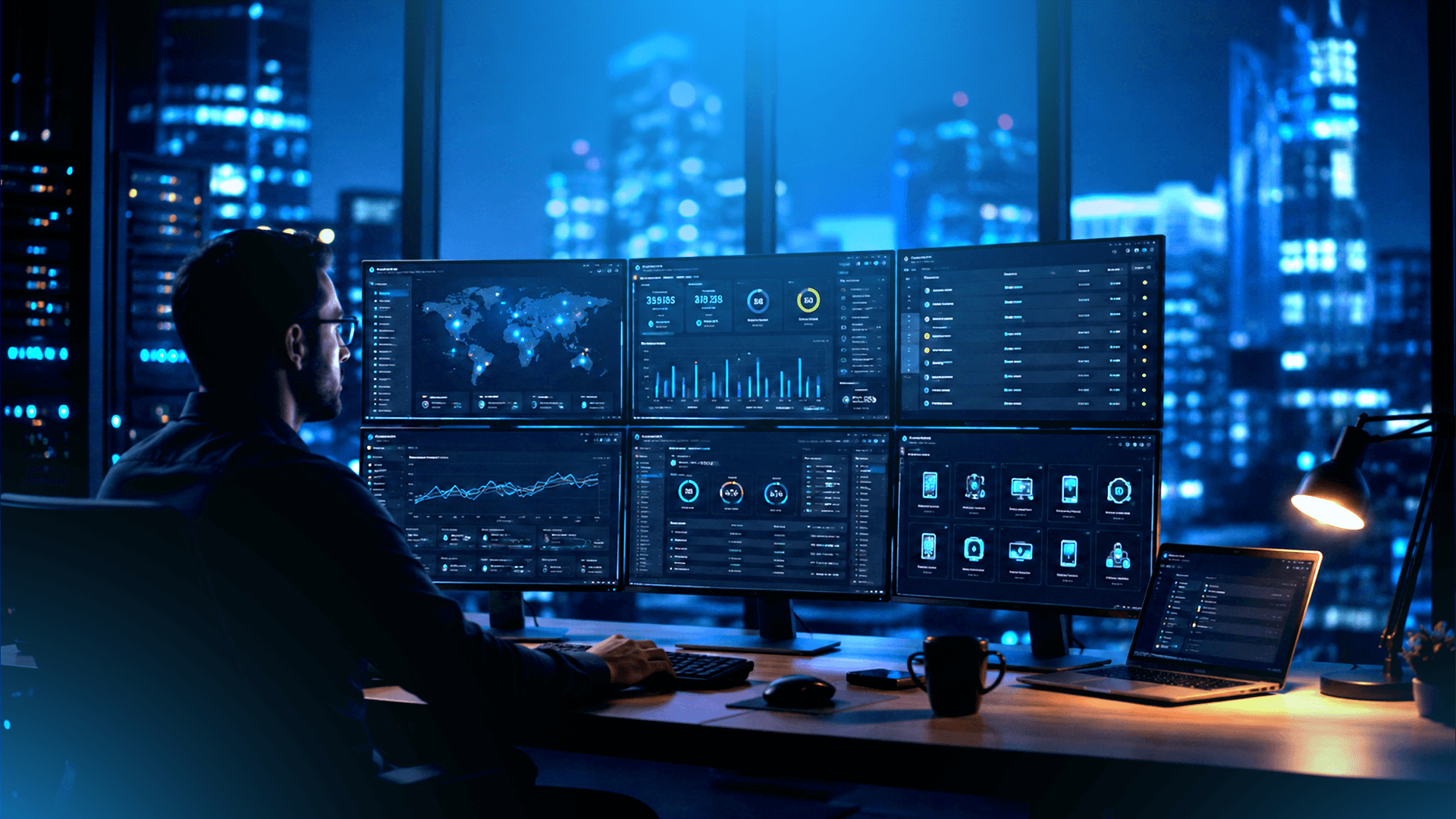
Monitor Hundreds of Devices Without More IT Staff
Jul 17, 2026 • 6 min read
How Can Businesses Monitor Hundreds of Devices Without Hiring More IT Staff?
Managing ten devices manually is manageable. Managing hundreds across multiple offices, remote employees, and hybrid teams is not.
As organizations grow, IT teams face a visibility problem. Devices spread across locations. Patches fall behind. Support tickets pile up. The team responsible for keeping everything running stays the same size while the environment around them doubles. And the gap between what IT can realistically manage and what the business expects them to manage keeps widening.
Remote Monitoring and Management Services in UAE give IT teams the centralized control they need to manage large device fleets without proportionally growing headcount. Instead of reactive firefighting, RMM enables proactive IT monitoring catching problems before they become incidents, automating routine tasks, and giving teams visibility across every endpoint from a single platform.
This blog explains how RMM works, what it prevents, which platforms suit different environments, and what to consider before deploying one.
How Does Remote Monitoring and Management Improve IT Operations?
RMM improves IT operations by giving teams continuous visibility across all endpoints, automating routine tasks, and enabling remote support without physical access. Instead of waiting for users to report problems, IT teams see issues as they develop and address them before they escalate.
The operational shift is significant:
Centralized endpoint visibility means every managed device regardless of location, reports its health status, software inventory, patch level, and performance metrics to a single dashboard. IT teams stop working from incomplete information.
Automated alerts flag problems in real time. A device exceeding memory thresholds, a service that has stopped responding, a disk approaching capacity, these surface immediately. Performance monitoring tracks CPU, memory, disk, and network metrics continuously, firing alerts while a device is still running rather than after it has failed.
Remote troubleshooting and support let IT teams connect to any managed device without physically being there. For organizations with branch offices or remote workforces, this eliminates the need to dispatch technicians for issues that can be resolved in minutes from a remote console and means that when something does fail, engineers are often working the problem before the first support ticket arrives.
IT automation handles repetitive tasks, such as software deployment, patch cycles, script execution, system health checks, that would otherwise consume hours of IT time every week. Those hours go back to higher-priority work.
Reporting and audit trails give IT leaders visibility into device health trends, patch compliance rates, and support ticket patterns, making it easier to identify systemic issues and justify infrastructure decisions.
Discover how Agile ManageX Technologies helps businesses across the UAE simplify endpoint monitoring and improve IT operations with modern Remote Monitoring and Management solutions. Talk to Our Team →
Can Automated Patch Management Reduce Security Risks?
Yes, automated patch management directly reduces security risk by closing the vulnerability windows that manual patching consistently leaves open. Most successful cyberattacks exploit known vulnerabilities that already have patches available. The problem is not the patch it is the delay in applying it.
The Verizon Data Breach Investigations Report consistently identifies unpatched software as one of the most exploited attack surfaces in enterprise environments. When patching is manual, it is also inconsistent: some systems get updated promptly, others wait weeks or months, and some are simply missed.
RMM platforms automate this process across the entire managed device fleet:
- Patches are identified as soon as vendors release them
- Testing can be done on a subset of devices before organization-wide rollout
- Deployment is scheduled to minimize disruption to working hours
- Compliance reports confirm which devices are patched and which are not
For organizations operating under compliance frameworks, whether ISO 27001, NESA, or sector-specific requirements, automated patch management provides the documented evidence that controls are operating as intended.
This connects directly to broader vulnerability assessment practices. RMM handles ongoing patch compliance between formal assessments, while vulnerability assessments provide the structured, periodic review of what else might be exposed across the environment.
Which Remote Monitoring and Management Platform Is Right for Your Business?
The right RMM platform depends on your endpoint count, IT team size, and how much automation versus hands-on control you need. No single platform fits every business; the right choice comes down to what the environment actually requires.
NinjaOne is built around unified endpoint management, combining automation, patch management, and direct employee support tools in one platform. It suits organizations that want strong automation without a steep learning curve.
N-able focuses on deep monitoring, device visibility, and automation and is widely used by managed service providers supporting multiple client environments. It fits businesses with more complex, multi-site IT requirements.
Dameware is oriented toward secure remote troubleshooting, giving IT teams fast remote desktop access across mixed operating systems. It works well where quick, direct problem-solving matters more than broad automation.
RealVNC specializes in secure remote access and remote desktop connectivity, making it a solid choice for supporting hybrid workforces that need reliable, secure connections regardless of location or device type.
Agile ManageX Technologies partners directly with NinjaOne, N-able, Dameware, and RealVNC and works hands-on with each platform to evaluate, deploy, configure, and manage the right RMM solution based on endpoint count, business requirements, security goals, and IT maturity.
Not sure which RMM platform fits your environment? Talk to Agile ManageX Technologies for expert guidance and deployment support.
How Did Agile ManageX Help a UAE Business Improve Remote IT Operations?
A regional logistics company operating across the UAE approached Agile ManageX with a familiar problem. Their IT environment had grown significantly faster than their IT team. Across four branch offices and a distributed field workforce, they managed approximately 450 endpoints with a team of four engineers, three of whom spent most of their time responding to support tickets rather than maintaining the environment.
The situation they described was common:
- Patch cycles were manual and inconsistent some devices were months behind on critical updates
- There was no centralized visibility into device health across branch locations
- Support tickets for remote employees took significantly longer to resolve because engineers had no reliable remote access tool
- Two server outages in the previous quarter had not been anticipated; both were discovered when users reported they could not work
- An upcoming audit required documented evidence of patch compliance that the team had no systematic way to produce
Agile ManageX started with an environment assessment, mapping every endpoint across all locations, identifying patch gaps, documenting current support workflows, and establishing a baseline for device health across the fleet.
Based on the organization's endpoint count, multi-location structure, and the team's need to reduce manual support workload, NinjaOne was recommended as the platform best suited to their requirements.
Deployment was phased across four weeks. Monitoring agents were rolled out across all 450 endpoints. Alert thresholds were configured based on the organization's operational profile, what mattered for their environment, not generic defaults. Automated patch management was enabled, with a testing group established to validate updates before organization-wide deployment. Secure remote support capability was configured for all IT engineers.
Within sixty days of deployment:
- Patch compliance across the fleet moved from approximately 60% to above 95%
- Average support ticket resolution time for remote employees dropped by more than half
- The IT team received advance warning of three potential hardware failures before they caused outages
- Patch compliance reporting for the upcoming audit was available directly from the platform, no manual compilation required
- IT engineer time spent on reactive support dropped significantly, with that capacity redirected toward infrastructure improvements the team had been deferring for over a year
The improvement was not primarily about the technology. It was about deploying the right platform correctly, configured for how the business actually operated, and ensuring the IT team knew how to use it effectively from day one.
See how Agile ManageX Technologies helps organizations centralize endpoint management, improve visibility, and reduce IT support overhead with the right RMM solution. Explore RMM Deployment Services →
What Should Businesses Consider Before Choosing an RMM Platform?
Before selecting an RMM platform, businesses should evaluate scalability, security architecture, automation depth, integration capability, and the realistic cost of deployment and ongoing management. Choosing based on features alone without considering operational fit is one of the most common reasons RMM deployments underperform.
Scalability matters more than current endpoint count. A platform that works well at 100 devices should be evaluated for how it performs at 500 because most organizations that implement RMM are doing so precisely because they expect to grow.
Security architecture deserves scrutiny. An RMM platform has privileged access to every managed endpoint. The security of that platform, its authentication controls, audit logging, access management, and vulnerability disclosure practices directly affects the security of everything it manages. This connects to broader endpoint security solutions and endpoint privilege management considerations. RMM agents typically run with elevated rights, and how that access is controlled matters.
Automation depth determines how much manual workload the platform actually removes. Patching automation is table stakes. The more valuable question is whether the platform can automate remediation workflows, script execution, software deployment, and alert response, reducing the reactive burden on IT engineers.
Integration capability with existing tools PSA platforms, ticketing systems, SIEM solutions, and security operations tooling determines whether RMM becomes the center of IT operations or an additional silo. Platforms that integrate well with existing workflows get adopted. Platforms that require parallel processes often worked around.
Reporting and compliance capabilities matter for organizations operating under formal frameworks. Can the platform generate patch compliance reports on demand? Does it maintain audit trails of remote access sessions? Can it feed data into security gap assessment or vulnerability assessment workflows? These questions matter before deployment, not after.
Ease of deployment and vendor support often determine whether a platform delivers its promised value. A feature-rich platform that takes six months to configure correctly and has poor support responsiveness delivers less real-world value than a simpler platform deployed well with strong ongoing support.
Frequently Asked Questions
What is Remote Monitoring and Management (RMM)?
Remote Monitoring and Management (RMM) is a software platform that allows IT teams to monitor, manage, and support endpoints, computers, servers, and other devices from a central location, regardless of where those devices are physically located. It automates patch management, generates real-time alerts, enables remote support, and provides continuous visibility across the entire managed device fleet.
How does RMM reduce IT workload?
RMM reduces IT workload by automating repetitive tasks patch deployment, system health checks, software installation, and alert monitoring that would otherwise require manual effort across every device. IT teams spend less time on routine maintenance and reactive firefighting, and more time on higher-priority infrastructure and security work.
Is RMM suitable for small businesses?
Yes. RMM platforms scale across organization sizes, and small businesses with limited IT staff often benefit most from the automation capabilities, particularly automated patching, which closes security vulnerabilities that manual processes consistently miss. Several platforms offer pricing and feature sets specifically suited to smaller environments.
Can RMM improve cybersecurity?
RMM directly improves cybersecurity by automating patch management, maintaining endpoint visibility, flagging security policy deviations, and enabling faster incident response. Combined with endpoint privilege management, email security, and data loss prevention controls, RMM forms part of a layered endpoint security approach rather than a standalone solution.
How do I choose the right RMM platform?
The right RMM platform depends on your endpoint count, IT team size, automation requirements, existing tool integrations, and compliance needs. Evaluating platforms against your specific environment rather than on features alone and working with an experienced deployment partner significantly improves the likelihood of a successful implementation.
Start the Conversation. Secure the Future.
Protect your business identity with expert Brand Protection in Dubai services. Secure trademarks, prevent infringement and safeguard reputation.
Contact Us Today